By Bronte Bay CPA Professional Corporation · 7 min read
Short answer: Cloud accounting reduces risk by eliminating data loss, preventing CRA penalty exposure, capturing every HST input tax credit, creating fraud detection controls, and maintaining a complete audit trail. It builds efficiency by automating bank feeds, receipt capture, supplier payments, payroll, and client collections. For Canadian businesses still on desktop software or spreadsheets, the risk of staying put is significantly higher than the cost of switching.
 The risks of desktop accounting and spreadsheet bookkeeping are not theoretical. Hard drives fail. Offices flood. Files get corrupted. HST deadlines get missed because the records were not current. CRA audits go badly because source documents cannot be found. Fraud goes undetected for months because no one is reviewing transactions in real time.
Cloud accounting does not just make bookkeeping more convenient — it systematically eliminates each of these risks while making the entire accounting process faster, more accurate, and more useful for running your business. Here are six specific ways it does that.
1. Eliminates Data Loss Risk — Your Books Survive Any Disaster
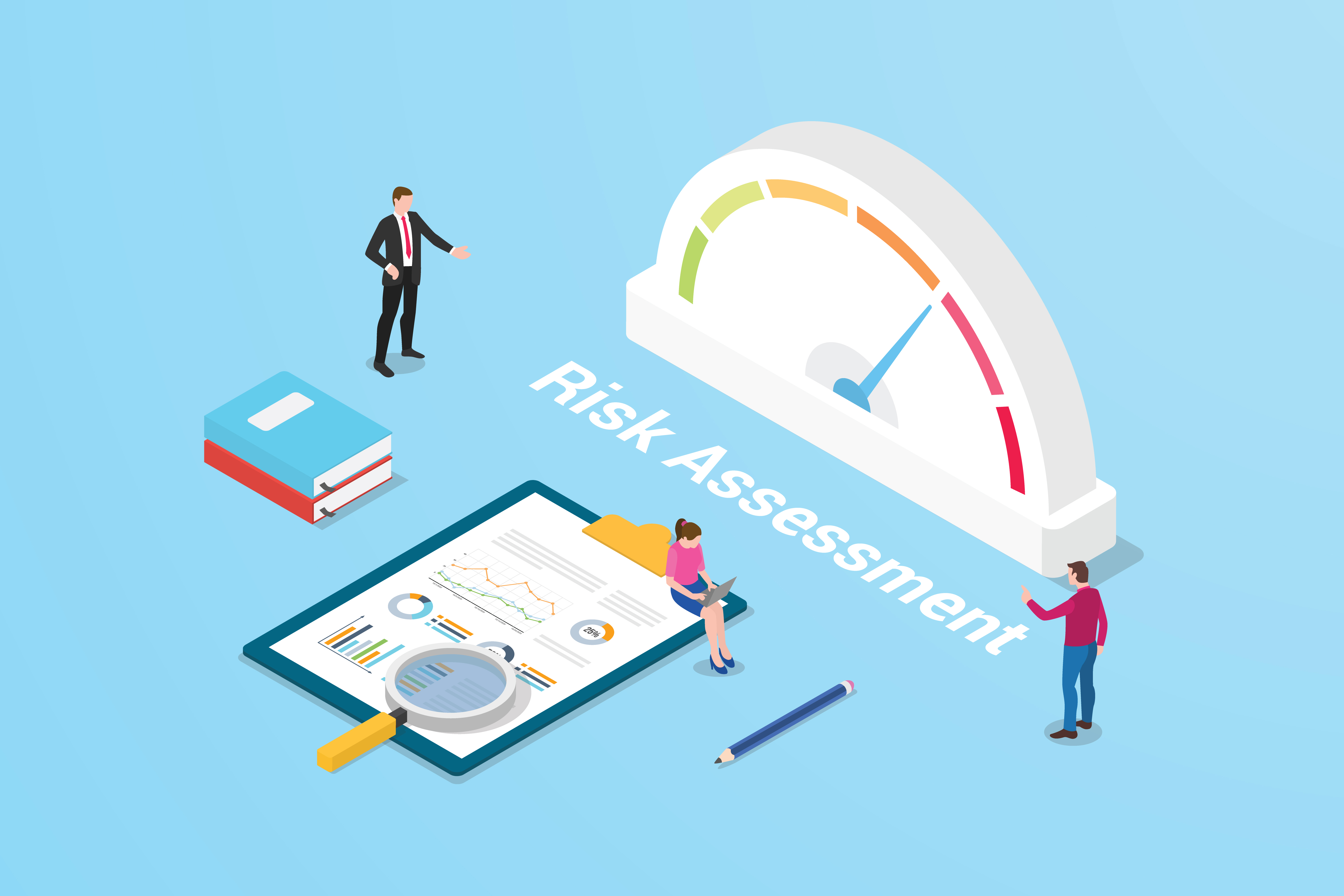
When your accounting lives on a desktop computer, a single event — hard drive failure, ransomware, office fire, flood, or theft — can destroy months or years of financial records. Many businesses discover this only when they need those records most: during a CRA audit, a loan application, or year-end tax filing.
Cloud accounting on Xero stores your data on servers with continuous backup across multiple geographically distributed data centres. Your books are encrypted in transit (256-bit TLS) and at rest (AES-256) — the same standards Canadian banks use. Whatever happens to your office, your accounting data is safe and accessible from any device within minutes.
- No local file to lose, corrupt, or have stolen
- Continuous automated backup — no manual backup process to forget
- Access restored from any device immediately after any disaster
- Six years of CRA-required records always intact and searchable
2. Reduces CRA Penalty Risk — HST and Payroll Always Filed on Time
Two of the most common and most avoidable CRA penalties are HST late remittances and payroll remittance failures. Both happen because the records were not current when the deadline arrived.
HST penalties: The CRA charges 3%–10% for late remittances plus compound daily interest. Xero tracks HST collected and input tax credits automatically throughout each filing period. When the deadline arrives, the return is pre-populated and ready to file. No scrambling to reconstruct quarterly transactions under deadline pressure.
Payroll remittance penalties: Late payroll remittances attract a 10% penalty for the first failure — 20% for subsequent failures in the same year. Wagepoint, integrated with Xero, calculates CPP (5.95%), CPP2 (4%), and EI (1.64%) at current 2026 CRA rates and remits employer and employee deductions on schedule automatically.
3. Eliminates Version Control Risk — One Set of Books, Always Current

Desktop accounting creates a version control problem that most business owners do not realize is costing them money. The owner has one copy of the file. The bookkeeper has a different copy. The accountant has a third. Files are emailed back and forth. Reconciliations are done twice because both parties were working on different versions. Year-end cleanup takes longer because nobody is sure which version of the books is correct.
Cloud accounting has one version — always. Every authorized user, whether your bookkeeper, your CPA, or you, is always looking at the same live data. When your bookkeeper reconciles a transaction, you see it. When your CPA makes a year-end adjustment, it is reflected immediately. No file transfers, no version conflicts, no “which copy is current?” confusion.
4. Reduces Fraud Risk — Complete Audit Trail and Payment Controls
Occupational fraud — unauthorized payments, expense padding, and vendor fraud — is significantly harder to execute and much faster to detect in a cloud accounting environment. Every transaction in Xero is timestamped and attributed to the specific user who entered it. No transaction can be deleted without a trace.
- Payment approval workflows via Plooto — no single employee can both enter and release a payment. Payments above a set threshold require a second approver before funds are released.
- Monthly bank reconciliation — every transaction is matched to a bank statement entry. Unauthorized transactions are caught within days, not months.
- CPA monthly review — at Bronte Bay, a licensed CPA reviews every client’s books monthly. Unusual transactions, duplicate payments, and unrecognized vendors are flagged immediately.
- Complete audit trail — every edit, deletion, and journal entry is logged with the user and timestamp. Nothing disappears without a record.
5. Captures Every Input Tax Credit — Eliminating a Silent Ongoing Cost
Every dollar of HST your business pays on eligible expenses is recoverable as an input tax credit (ITC). In manual accounting systems, ITCs are frequently missed — because receipts are lost, expenses are not coded with HST, or the HST amount is entered incorrectly.
Cloud accounting with Hubdoc solves this systematically. Hubdoc reads the HST from every captured receipt or invoice and codes it correctly in Xero. The HST on every eligible expense — software subscriptions, office supplies, professional services, utilities, travel — is automatically captured and applied to your ITC balance.
For a business spending $150,000 per year on HST-eligible expenses, the difference between capturing all ITCs and missing 10% of them is $1,950 per year — paid unnecessarily to the CRA quarter after quarter, invisibly, because no one noticed the receipts were incomplete.
6. Builds Financial Efficiency — Eliminating 80%+ of Manual Accounting Work
Risk reduction is only half the value of cloud accounting. The efficiency gains are equally significant. The connected cloud accounting stack that Bronte Bay implements for every client eliminates most routine manual accounting tasks entirely:
| Task | Manual System | Cloud Accounting |
|---|---|---|
| Bank transaction entry | Manual — 3–5 hrs/month | Automatic bank feeds — 0 hrs |
| Receipt filing | Physical or manual scan — 1–2 hrs/month | Hubdoc photo/auto-fetch — 0 hrs |
| Supplier payments | Manual bank transfers — 1–2 hrs/month | Plooto auto-payment — 0 hrs |
| Client collections | Invoice, wait, chase — ongoing | Rotessa PAD — automatic |
| Payroll processing | Manual calculation — 1–3 hrs/payrun | Wagepoint — automated |
| HST return preparation | Manual calculation from records | Xero pre-populated return |

📋 CPA Note: At Bronte Bay, we set up the full cloud accounting stack — Xero, Hubdoc, Plooto, Rotessa, and Wagepoint — for every monthly bookkeeping client. Most clients recover 5–10 hours per week of time previously spent on manual accounting tasks. For a business owner whose time is worth $150/hour, recovering 400 hours per year represents $60,000 in productive capacity — typically far more than the entire annual cost of their Bronte Bay engagement.
Common Concerns About Switching to Cloud Accounting — Addressed
“I’m worried about data security in the cloud.”
Xero uses 256-bit TLS encryption in transit and AES-256 at rest — the same standards as Canadian banks. Your data is continuously backed up across multiple data centres. The real security risk is keeping your data on a local computer that can be physically stolen, infected with ransomware, or destroyed in a fire or flood. Cloud is significantly more secure than local storage for most businesses.
“I’m comfortable with my current system.”
The cost of staying comfortable is not zero. It shows up in hours of manual data entry every month, missed HST input tax credits every quarter, higher year-end CPA fees, and the ongoing risk of losing everything in a hardware failure. Comfort with the status quo does not make those costs disappear — it just makes them invisible.
“The migration sounds complicated.”
With the right accounting partner, it is not. Bronte Bay handles the entire Xero migration for new clients — chart of accounts setup, Canadian bank feed connections, HST tax code configuration, Hubdoc integration, and historical data import. Most clients are fully operational on cloud accounting within one week of onboarding. The migration is a one-time event. The efficiency gains are permanent.
Frequently Asked Questions
Make the Switch to Cloud Accounting — With a Certified Xero Partner
Bronte Bay is a certified Xero partner serving businesses across Toronto and Canada. We handle the full migration — setup, configuration, bank feed connection, Hubdoc integration, and training — as part of every monthly bookkeeping engagement. The risks of staying on desktop accounting are real. The switch takes one week. Book a consultation to see exactly how it works and what it costs.
Related reading from Bronte Bay: 8 Reasons to Switch to Cloud Accounting · Accounting Automation for Canadian Businesses · Xero Partner · Hubdoc · Monthly Bookkeeping Packages